


Fronus PV 7200 Error Codes 2026: What Each Code Means and How to Fix It Fast
Fronus PV 7200 Error Codes 2026: What Each Code Means and How to Fix It Fast One morning, a customer called me. His Fronus PV 7200 had stopped all of a sudden.…

Fronus PV 7200 Error Codes 2026: What Each Code Means and How to Fix It Fast
One morning, a customer called me. His Fronus PV 7200 had stopped all of a sudden. The screen showed Fault 09. He turned the inverter off and on two times. The code came back each time. That small code became a big worry for him. Is the inverter dead? Do I need a whole new board? Or is it just one small part?
This guide answers those questions. You will learn what the error codes on a Fronus PV 7200 mean. You will learn which codes you can fix yourself. And you will learn which codes mean you should call a technician right away. This guide comes from real workshop work, not from guesses.
You will also learn which codes often point to bad MOSFET or IGBT parts. A MOSFET is a small switch inside the inverter. It turns power on and off very fast. An IGBT is a similar part. It handles bigger power. When one of these parts goes bad, the inverter stops to protect itself. Other codes are much simpler. They may mean a loose wire or a wrong setting. At the end, you will get a simple checklist. You can use it the next time a code shows up.
Trust nudge: SunTech Mall runs its own inverter and UPS repair service center. Every day, we open inverters with these same fault codes. We test them. We fix them. So what you read here comes from real bench work, not just book talk.
What You Will Learn in This Guide
- How to read a code on the display, and how a warning is different from a fault
- What each common code means, and the first thing to do about it
- What Fault 09, 51, 52, 53, 56 and 57 really mean
- How to restart your inverter in a safe way
- When you can fix it yourself, and when you must call a technician
- Which parts often need to change, and where to find them
First, Know This: Fronus and Fronius Are Two Different Brands
Many people mix up two names. Fronus and Fronius sound alike, but they are not the same brand. Fronius is a brand from Austria. Its codes look like 301, 302 or 307. Fronus is a hybrid inverter sold in Pakistan. It is built on a Voltronic-type platform. That is a common design used by many hybrid inverters. Its codes look like 01, 02, 09, 51 or 56.
So if you find Fronius codes on a website, do not use them for your Fronus PV 7200. A wrong code table leads to a wrong fix. This guide only uses the code family that fits this type of inverter.
Note: Codes can change a little from one model to another. They can also change with firmware. Firmware is the built-in software inside the inverter. So before you make a big choice, match the code with the fault table in your own manual. If your code does not match the table below, do not guess. Take a photo of the screen and ask a technician.
How to Read a Code: Warning or Fault?
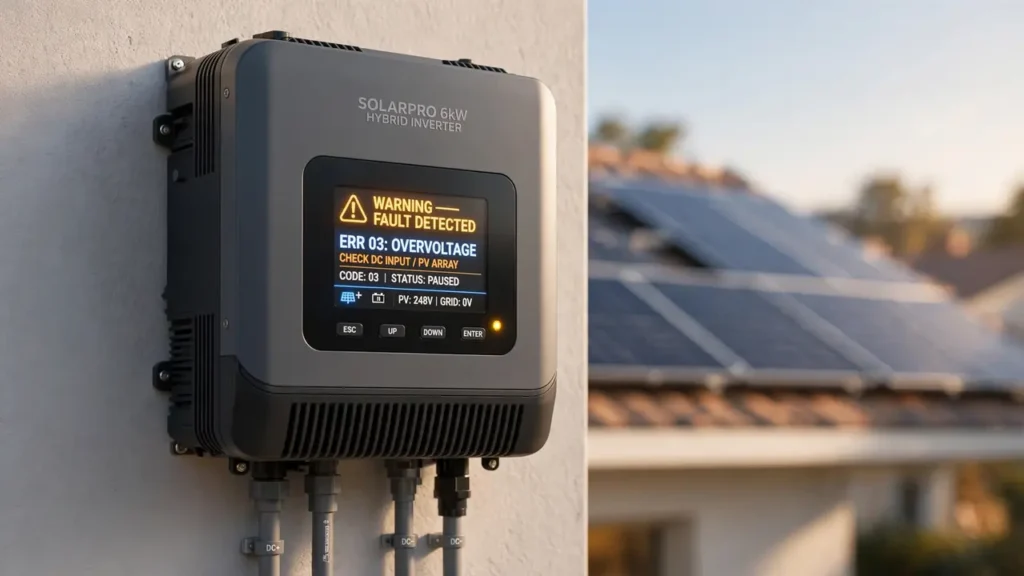
Not all codes mean the same thing. Some codes are just warnings. A warning means the inverter still gives power, but it wants to tell you something is not right. A fault is more serious. When a fault shows up, the inverter stops giving power. It does this to keep the board and your home safe.
Here is an easy way to tell them apart. If a code shows up but the inverter still gives power, it is more like a warning. If the code comes with a beep sound and the power stops, it is a fault. For a fault, first take some load off. Load means the fans, lights and machines that use power from the inverter. Then follow the steps in this guide.
When you note a code, do not just write the number. Also write what was going on at that time. Was the main power off? Was the load too high? Was the sun very strong, or was the battery low? These three facts help a technician a lot. In our workshop, these are the first three questions we ask for every fault.
Full Table of Fronus PV 7200 Fault Codes
The table below comes from fault tables that are widely written for this type of hybrid inverter. Each code has a plain meaning and a first step. More detail comes after the table.
| Code | What It Means | First Thing to Do |
|---|---|---|
| 01 | Fan is stuck or has a problem | Clean the fan, clear anything that blocks it, then restart |
| 02 | Too hot — the inverter got too warm | Take load off, let air flow, let it cool down |
| 03 | Battery voltage is too high | Check the charge setting and the battery wires |
| 04 | Battery voltage is too low | Charge the battery, check wires and fuse |
| 05 | Short circuit on the output | Take the load off, look for a short in the wires |
| 06 | Output voltage is too high | Take the load off, show it to a technician |
| 07 | Overload — too much load for too long | Take load off, then restart |
| 08 | Bus voltage is too high | Restart once, if it comes back, call a technician |
| 09 | Bus soft start failed — a fault inside the power part | Restart once, then call a technician (often a MOSFET or IGBT problem) |
| 51 | Too much current, or surge protection kicked in | Take load off, restart, if it comes back, get the board checked |
| 52 | Bus voltage is too low | Restart once, if it comes back, call a technician |
| 53 | Inverter soft start failed | Restart once, if it comes back, get the board checked |
| 55 | DC voltage problem in the AC output | Take the load off, call a technician |
| 56 | Battery connection is open — the inverter cannot find the battery | Check battery wires, terminals and fuse |
| 57 | Current sensor fault | Call a technician, the sensor or board needs work |
| 58 | Output voltage is too low | Take load off, check the battery, then call a technician |
From this table, you can tell at once if the problem is outside or inside. Outside problems are things like a battery wire, too much load, or a stuck fan. You can often fix those yourself. Inside problems are things like 09, 51, 53 or 57. Those live inside the board. They need a technician.
Fault 09: The Code People Ask About Most
Fault 09 means bus soft start failed. Let me say that in plain words. Inside the inverter, there is a DC bus. Think of it as a main power road inside the machine. When the inverter starts, this road must power up in a smooth, step-by-step way. Fault 09 means that smooth start did not work.
This code often comes back even after a restart. That is why we treat it as a hard fault, not a small glitch. In our workshop, the most common cause is the power stage. The power stage is the part of the board that handles heavy power. Its MOSFET or IGBT parts can go short. Short means power flows the wrong way inside the part. The small resistors that drive these parts can also go bad. In one written case, fixing Fault 09 needed a few MOSFET and IGBT parts to be changed. So this code is most often a hardware problem, not just a setting problem.
What should you do? First, restart in the safe way, one time. Take the load off. Unplug solar and battery. Then turn it on again. If the code comes back, do not keep restarting. Turning it on again and again can hurt the board even more. At that point, keep the inverter off and give it to a technician.
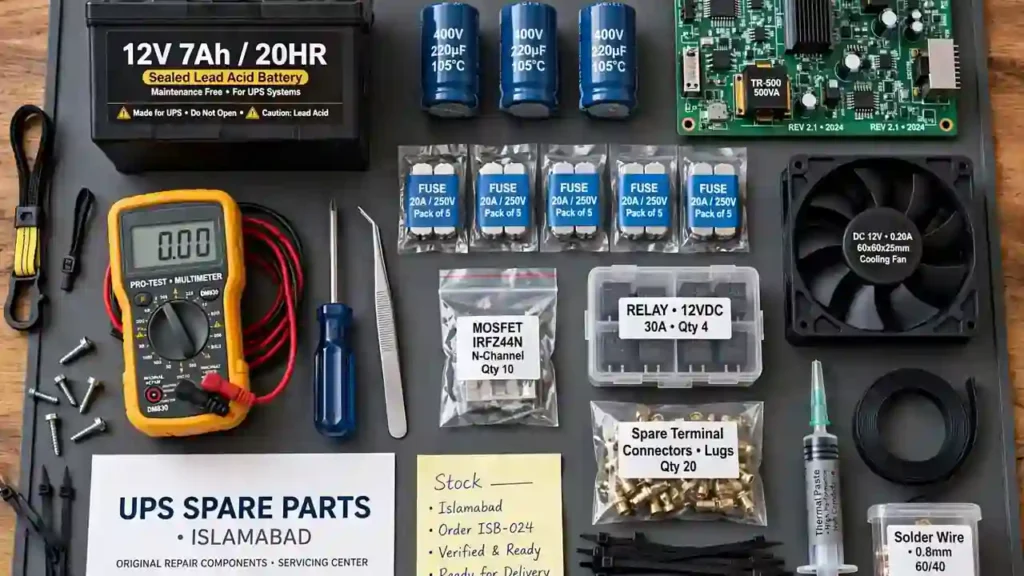
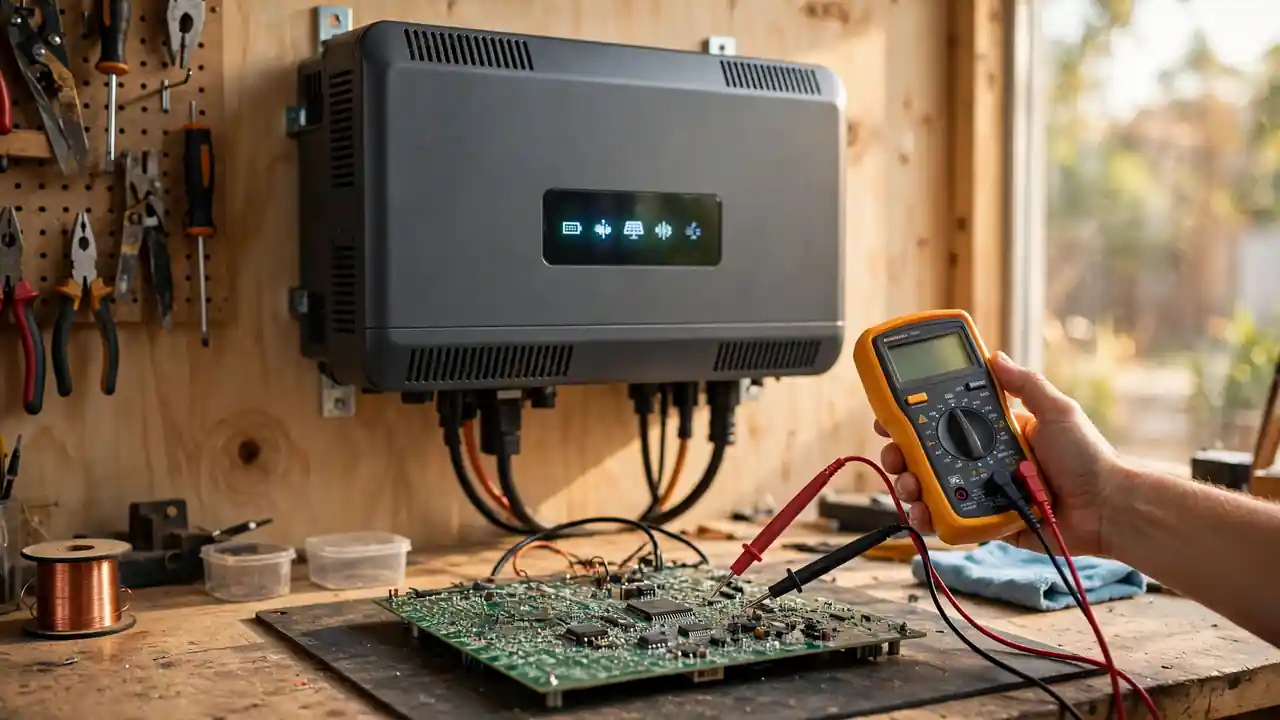
A technician will test the MOSFET parts and the drive circuit with a multimeter. A multimeter is a small tool that checks voltage and finds short parts. If a short part is found, it is changed and tested again. If you want to change parts yourself, match two things: the part number and the package. The package is the size and shape of the part. A wrong part can bring the same fault back.
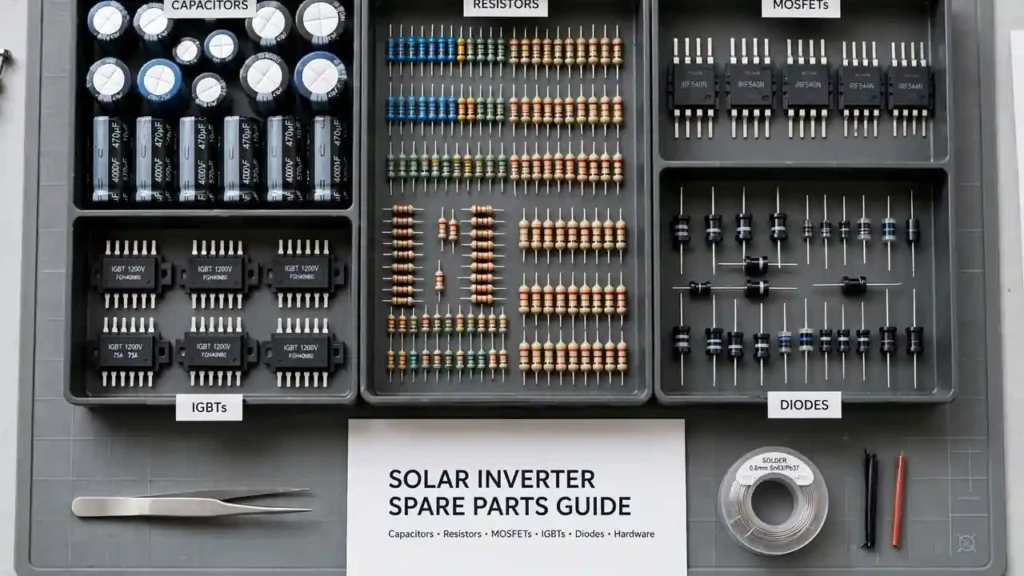
Parts that are often used for this work include the full MOSFET category, the NCEP 85T16 MOSFET and the HY3215 MOSFET. Before you buy a part, note the number and package of your old part.
Fault 51, 52 and 53: Inside System Codes
Fault 51 means too much current, or a surge. A surge is a sudden jump in power. When output current jumps too high all at once, the inverter shuts down to save itself. First, take the load off and restart. If the code came only one time and then went away, a sudden load jump may have caused it.
Fault 52 means the bus voltage is too low. Fault 53 means the inverter soft start failed. Both are inside codes. In plain words, the inside power part did not start right. If the code comes back after a restart, the board must be opened and tested.
Avoid one common mistake with these codes. Many people turn the inverter on and off again and again to make the code go away. That is not a good plan. Each restart puts stress on the board. Do not restart more than two times. If the code stays, the best choice is to keep the inverter off and call a technician.
Fault 56: The Inverter Cannot Find the Battery
Fault 56 means the inverter cannot find the battery. Do not worry when you see this code. Most of the time, the cause is very small. A battery terminal may be loose. A terminal is the metal end where the wire joins the battery. A cable lug may be bad. A lug is the metal end fixed to a wire. Or the battery fuse may be blown. A fuse is a small safety part that breaks the power path when too much current flows.
Here is how to check. First, look at both battery terminals. Is any terminal white or green in color? Does the wire lose contact when you move it? Then check the battery fuse. If the fuse is blown, change it with a fuse of the same rating. Rating means the same size and current limit. Never use a bigger fuse. A bigger fuse is not safe.
If the wires and fuse look fine but the code comes back, check the battery voltage. If the voltage is very low, the inverter may not see the battery at all. Then the battery needs to be charged on its own first.
Fault 57 and 58: Sensor and Output Voltage
Fault 57 means the current sensor has a fault. A sensor is a small part that measures something. The current sensor measures how much current flows. When it gives a wrong reading, the inverter shuts down in a safe way. You cannot fix this at home. The board must be tested, and the sensor or a linked part must be changed.
Fault 58 means the output voltage is too low. The cause can be too much load, or it can be an inside fault. First, take load off and check the battery. If the voltage is still not right after you take load off, show the board to a technician.
Fault 01 to 08: Everyday Codes
Fault 01 means a fan problem. In hot weather, dust sits on the fan. Cleaning the fan often clears this code. Also listen to the fan. If it runs with stops and jerks, it is better to change it.
Fault 02 means the inverter got too hot. An inverter needs open air around it. If it sits in a closed room, close to a wall, or in direct sun, it heats up fast. Take load off and leave space around the inverter.
Fault 03 and 04 are battery voltage codes. Code 03 means voltage is too high. Code 04 means voltage is too low. A wrong charge setting can also cause these codes. The setting must match your battery type. Check the manual before you change a setting.
Fault 05 means a short circuit on the output. A short circuit means power found a wrong, easy path. Take the load off at once. Look for the short in the wires. Do not run the inverter on load again until you find the short. Fault 06 means output voltage is too high. Fault 07 means overload. For both, taking load off is the first job.
Fault 08 means bus voltage is too high. Restart one time and watch. If the code keeps coming back, get the board checked. This code can also point to an inside problem.
How to Restart in a Safe Way
Restarting also has a right way. A wrong restart does not help. Here is the safe way. First, take the load off. Then turn off the breaker for the solar panels. Then take the battery wires off. Then turn off the AC input. AC input is the main grid power that comes into the inverter. Wait a few minutes so the power inside the board fades away.
To turn it back on, do the steps in reverse. First, join the battery. Then turn solar on. Then give AC input. Last, add the load. Leave a few seconds between each step. This way, the inverter starts in a calm way, and you learn the true state of the code.
Bonus Tip: Before you restart, take a photo of the code. Note the display, the beep sound, and the load at that time. When you show this photo to a technician, the problem becomes much easier to understand.
When to Fix It Yourself, and When to Call a Technician
You can do these jobs yourself. Check wires. Change a fuse. Clean a fan. Take load off. Restart in the safe way. These jobs are safe. You do not need to open the board for them.
Give it to a technician when the code keeps coming back, when you smell burning from inside the board, when a part looks swollen or black, or when you see an inside code like Fault 09, 51, 53, 55 or 57. Opening the board and testing with a multimeter is a technician job. Touching power parts by guess can be risky.
If you have a multimeter and you know how to test a MOSFET, test the part before you fit a new one. Also check the gate drive circuit before you fit a new part. The gate drive is the small circuit that tells the MOSFET when to switch. If the drive is bad, the new part can burn too. A full guide on MOSFET testing will come soon.
Where to Find Parts, and What to Watch
To fix fault codes, you often need only small parts. The full MOSFET category has many part numbers and packages. Common parts include NCEP 85T16 and HY3215. If the problem is a system card, matching the card number is the most vital job. A system card is the main control board of the inverter.
When you buy a part, match more than the number. Match the package too. TO-220 and TO-247 may look alike, but they do not fit in place of each other. The pin layout must also match. Pins are the small legs of the part. If you do not know the number, send a photo of the old part and ask.
SunTech Mall has one wholesale price rule for everyone. One piece or many pieces, the rule stays the same. Check the live price on the website. Orders go by TCS all over Pakistan within 24 hours. If you do not want to repair it yourself, SunTech Mall has its own repair service center. You can send your inverter there for repair.
Frequently Asked Questions (FAQ)
What do I do if Fault 09 shows on my Fronus PV 7200?
First, take the load off and restart one time in the safe way. If the code comes back, keep the inverter off and give it to a technician. Most of the time, this code means a MOSFET or IGBT part has gone short.
Can an error code fix itself?
Some codes can go away on their own. Overload or too much heat can clear when you take load off or let the machine cool. But inside codes like Fault 09, 51, 53 and 57 most often do not fix themselves.
Is it fine to restart again and again?
No. Do not restart more than two times. Turning it on and off again and again puts stress on the board and can make the damage worse.
Are Fronus and Fronius codes the same?
No. They are two different brands. Fronius 3xx codes do not apply to the Fronus PV 7200. Always match the code with your own inverter manual.
A battery code shows up. What do I check first?
Check the battery terminals, the cable lugs and the fuse. A loose terminal and a blown fuse are the most common causes.
What if my code does not match the manual?
Do not guess. Take a photo of the display and ask a technician or the SunTech Mall team. Changing the wrong part can cause more damage.
Where can I find parts for repair?
Common parts are in the MOSFET category and on SunTech Mall. Check the live price on the website and reach out on WhatsApp.
Final Thoughts
An error code is not your enemy. It is the inverter telling you where the problem is. A person who learns the code can solve half the problem right there. The other half is solved with the right part and the right hands.
My advice is simple. For every fault, note the code. Take a photo. Check the outside problems first. Battery, load, fan and wires. If the problem turns out to be inside, give it to a technician soon. A small problem can turn big if you wait.
If your Fronus PV 7200 is stuck on a code, do not worry. Use the links below to see the parts that fit, or send a photo of the code on WhatsApp. SunTech Mall has served Pakistan with solar products and repair work since November 2022.
Next Step: Note your inverter code and see the parts that fit here: MOSFET Category | NCEP 85T16 | HY3215 | Inverex Yukon II | Suntech HYB-10KW
Reach out on WhatsApp: 0306-2244820 — send a photo of the code, and you will get advice on the right part. Check the live price on the website: suntechmall.com
Sources: For fault table detail and Fault 09 cases: Must inverter error codes reference (same platform family), Solar inverter error code 09 case study (bus soft start failed), Inverex solar inverter troubleshooting table (fault codes 00-08), Solar inverter restart and common causes guide.
Published: 22 October 2026 | Updated: 22 October 2026 | SunTech Mall — Charsadda/Tangi Office, Tangi Moor, Tangi Charsadda