


How to Identify Faulty Solar Inverter Spare Parts – Easy Guide
Imagine this: your solar inverter suddenly stops working in the evening. The fans go silent. The lights die. You call a technician, and he says the control card must be replaced —…

Imagine this: your solar inverter suddenly stops working in the evening. The fans go silent. The lights die. You call a technician, and he says the control card must be replaced — a big, expensive part. You pay for it. Two days later, the inverter dies again.
Here is the painful truth: the real problem was a small MOSFET worth only a little money. The control card was fine all along.
This is why knowing how to identify faulty solar inverter spare parts matters so much. The wrong part means the wrong repair. The wrong repair means wasted money — and the real fault still inside your inverter, ready to kill the new part too.
In this guide, I will show you simple signs and safe tests that point to the real faulty part. No engineering degree needed. Just your eyes, a basic multimeter, and a little patience.
Let’s find the real culprit — before you spend a single rupee.
Now you may be thinking: “I am not a technician. This looks too hard for me.” I understand that feeling. But here is the thing: you do not need to repair anything yourself. This guide helps you spot basic signs and talk to a technician with confidence. The five-minute outside check below alone will save you from most bad repairs. These are the same checks repair shops use every day.
Table of Contents
- Save Your Money: Why Correct Diagnosis Comes First
- Protect Yourself First: Stay Safe Before Opening the Inverter
- Do the 5-Minute Check: Inspect the Inverter from Outside
- Test the Power Parts: MOSFETs and IGBTs
- Catch the Silent Killers: Find Bad Capacitors
- When the Screen Shows Errors: Check the Control Card
- Weak Lights and Strange Noise: Test the Transformer
- Beat the Summer Heat: Check the Cooling System
- Buy the Right Part: What to Do After You Find the Fault
- Avoid These 4 Costly Diagnostic Mistakes
- Frequently Asked Questions
- Final Thoughts
Save Your Money: Why Correct Diagnosis Comes First
Picture a repair shop. A customer brings in a dead inverter and says, “Just change whatever is broken.” The owner changes a part, charges the customer, and the inverter still does not work. Now both are unhappy — and the money is already gone.
This happens every day because of guessing. Guessing is the most expensive repair tool. Replace the wrong part and you pay twice — and the wrong part can even damage other healthy parts.
Correct identification also makes every repair faster. Tell the technician, “The fan is dead and the MOSFETs near the transformer look burnt,” and he finds the problem in minutes. Less labour time, fewer wrong parts, a safer repair. Now the good part: these signs take only minutes to learn and check.
Protect Yourself First: Stay Safe Before Opening the Inverter
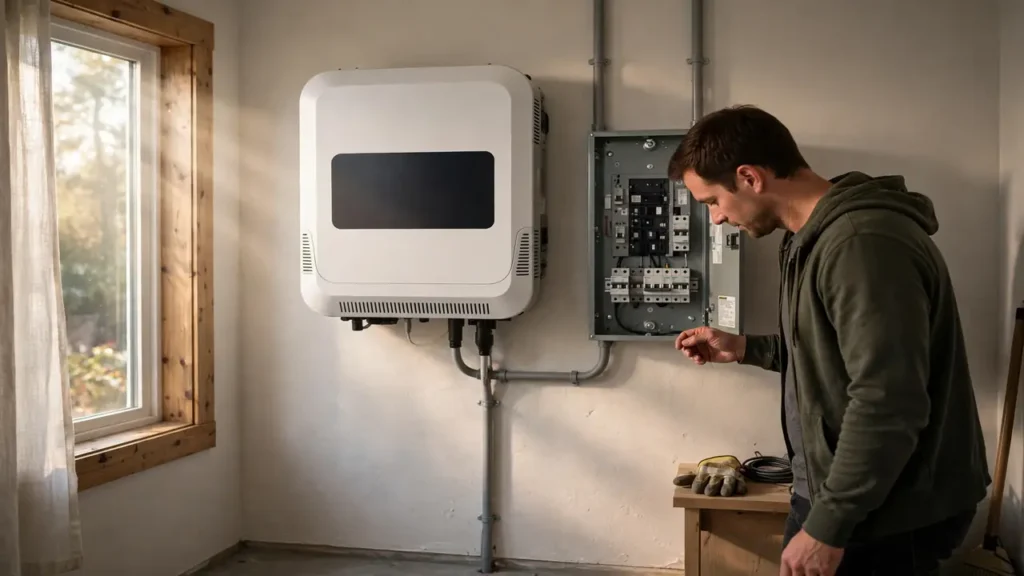
Before we test anything, be very clear about safety: a solar inverter can hold dangerous voltage even after you switch it off and unplug it. Big capacitors inside can store a deadly charge for a long time after disconnection.
Always discharge large capacitors with a resistor across their terminals before touching the circuit. Never work on an inverter connected to solar panels or batteries. Use insulated tools, work in a dry area, and remove rings, watches, and metal jewelry — metal can short live parts. If anything feels risky, stop and call a trained technician. No repair is worth an injury.
Note: Safety comes before saving repair costs. High voltage remains inside an inverter after switch-off. When you are unsure about any step, leave the testing to a professional.
Do the 5-Minute Check: Inspect the Inverter from Outside
Say your inverter shut down during the night. Before you open it, just look at it carefully. Many faults are visible from the outside, and this check takes only five minutes.
First, look for burn marks, black spots, or melted plastic on the case. Check for broken wires or loose connections at the terminals — loose wires cause heat, and heat causes failure. Thick dust on the vents also warns you: dust blocks airflow and cooks the parts inside.
Next, use your nose. A burnt smell near the inverter usually means a power part has failed. Then carefully feel the case: if one area is much hotter than the rest, that hot spot points to the faulty section inside. These outside signs are free, fast, and guide everything you do next.
Test the Power Parts: MOSFETs and IGBTs
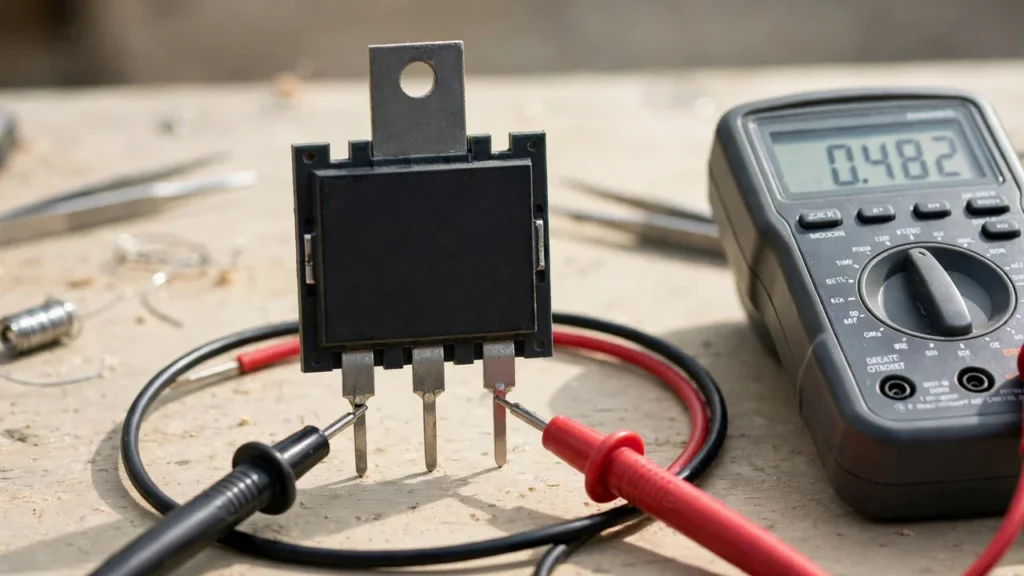
Open the inverter and look for a row of black, three-legged parts bolted to a metal heatsink. Those are the MOSFETs — the parts that switch power on and off. They work the hardest, so they fail the most.
Start with your eyes. A burnt, cracked, or melted MOSFET is obviously dead. But some failed MOSFETs look perfectly normal — so the multimeter test is essential.
Here is the safe test. Disconnect all power, discharge the capacitors, and remove the MOSFET from the circuit. Set your multimeter to diode mode and touch the probes between drain and source, then reverse them. A healthy MOSFET blocks current in one direction. Near-zero resistance in both directions means it is dead and must be replaced. IGBTs are tested the same way.
When buying a replacement, always use the exact part number or an approved equivalent. A MOSFET with a lower voltage or current rating will fail again within days. Genuine parts matter — fake MOSFETs are a top cause of repeat failures.
Catch the Silent Killers: Find Bad Capacitors
The cylindrical parts on the board are the capacitors. They fail in two ways: some show it, and some hide it.
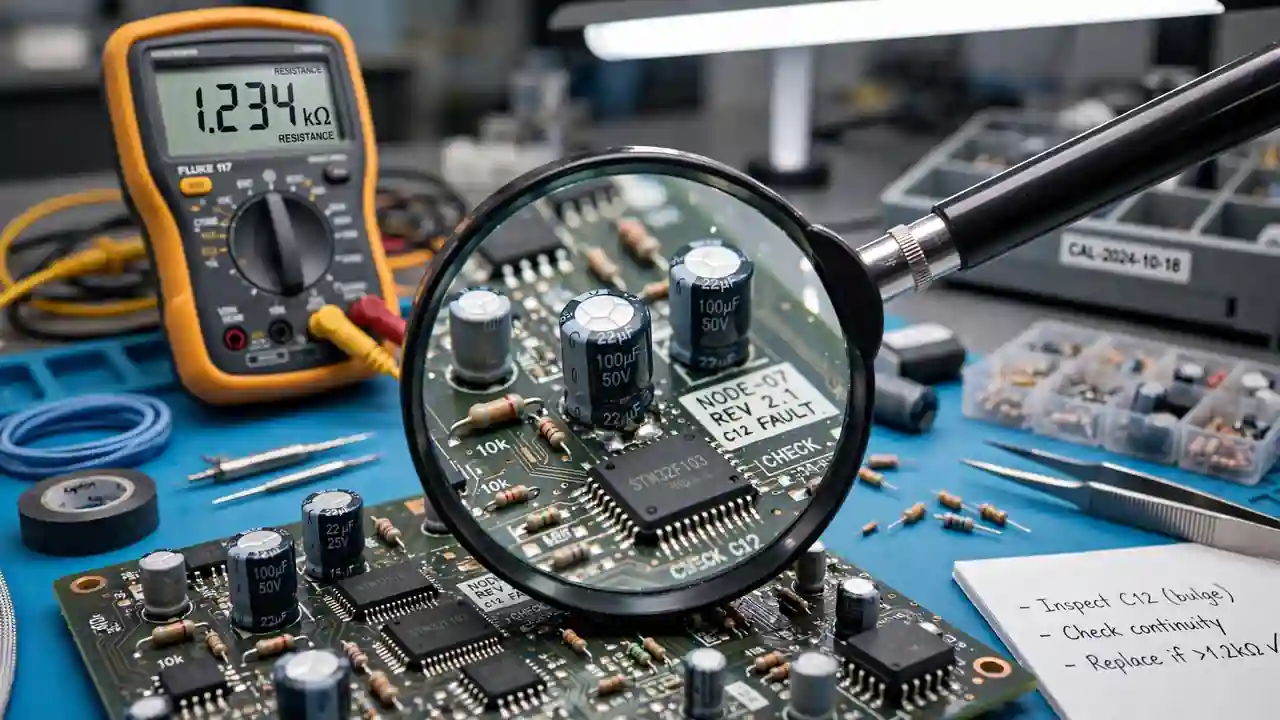
The visible signs are easy. If the top of a capacitor is swollen or bulging, it is finished. If you see leaking fluid or crusty brown residue around its base, replace it at once. It has lost its capacity and can no longer filter power properly.
Hidden failures are trickier. A capacitor can look fine but have high internal resistance. An ESR meter reveals this — high ESR means the part is worn out. Without one, watch the symptoms: humming sounds, unstable output voltage, or shutdown under load often point to weak capacitors.
Bonus Tip: If the inverter is old and one capacitor has failed, the others of the same age are probably weak too. Replacing all power-section capacitors as preventive maintenance costs little extra and greatly improves reliability.
When the Screen Shows Errors: Check the Control Card
The control card is the brain of the inverter. It reads sensors, drives the display, and tells the power parts what to do. When the brain has a problem, the whole system behaves strangely.
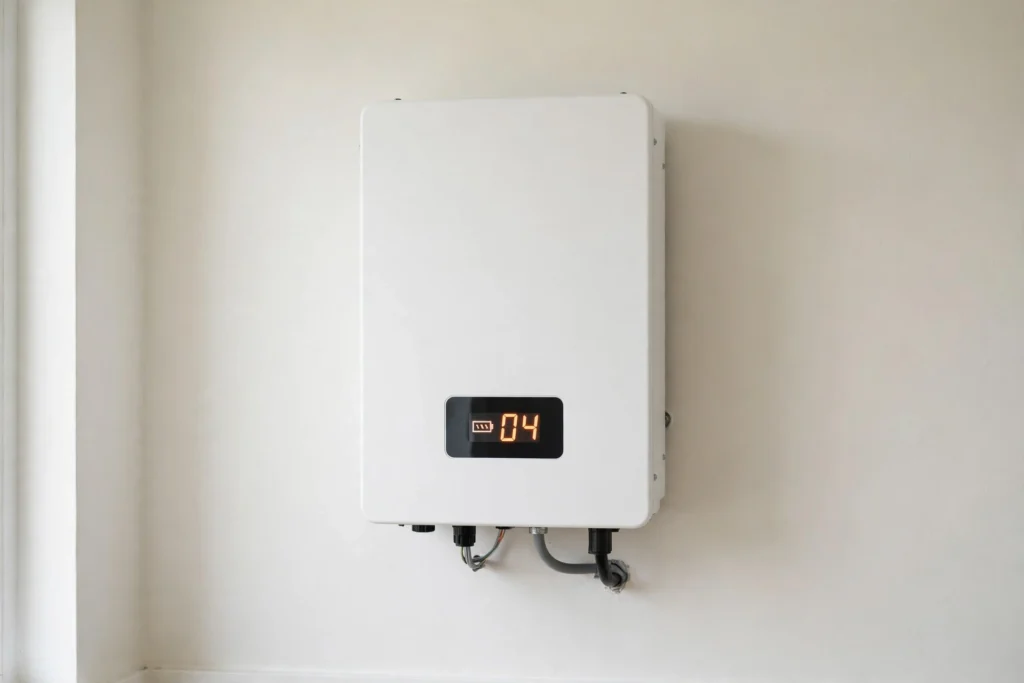
The clues are clear. If the display shows error codes, write them down — they tell you where it hurts. If buttons stop responding, the screen freezes, or the inverter keeps restarting for no reason, the control card is a prime suspect. Battery charging problems — batteries that never reach full charge, or charge that starts and stops — can also point to this board.
One caution: do not blame the control card too quickly. It is expensive, and often the real fault is a cheap power part or a weak capacitor. Test the power parts first. Replace the card only when the signs truly point to it.
Weak Lights and Strange Noise: Test the Transformer
Picture your home lights on inverter backup during a power cut. If the lights look weak or flicker, or the output power feels unsteady, the transformer may be the problem. It controls the strength of the electricity, and when it weakens, everything downstream suffers.
Also listen closely. A strange humming or buzzing noise from inside the inverter is a classic transformer warning. Transformers fail less often than MOSFETs, but when they do, the symptoms are hard to miss. A replacement restores smooth, steady power.
Beat the Summer Heat: Check the Cooling System
It is June in Pakistan, the temperature crosses 40 degrees, and your inverter keeps shutting down in the afternoon. This is the cooling system’s cry for help.
The pattern is simple: the inverter works in the morning, gets very hot by afternoon, and turns itself off. Usually the cooling fan is dead — listen for it when the inverter runs. No spinning means no airflow, and heat builds up until the protection circuit trips.
Also check the air paths and vents. Dust or items stacked against the inverter block the airflow completely. Clean the vents, make sure the fan spins freely, and give the inverter breathing space. Overheating is a common summer problem — and one of the easiest to fix.
Buy the Right Part: What to Do After You Find the Fault
You found the faulty part — well done. Now do not rush to the market and grab whatever looks similar. A wrong replacement can damage the whole inverter.
Read the part number printed on the old part and match it exactly. For MOSFETs and IGBTs, also match the voltage and current ratings. For capacitors, match capacitance and voltage, and check the physical size fits the board. Photograph the old part before removing it — the photo helps the shopkeeper give you the exact match.
Buy from a trusted store that stocks genuine parts with replacement support. SunTech Mall — Pakistan’s No.1 online store for solar inverters, UPS systems and original spare parts — delivers genuine MOSFETs, capacitors and other inverter parts across Pakistan. Browse the SunTech Mall shop, or reach out at info@suntechmall.com or +92 306 2244820 for help matching a part.
Avoid These 4 Costly Diagnostic Mistakes
Even experienced repairers make these mistakes. Learn them once and avoid them forever.
Mistake 1: Replacing parts without testing. Guessing is not diagnosis. Always test the suspect part with a multimeter before buying a replacement. Five minutes of testing saves days of frustration.
Mistake 2: Fixing the burnt part but ignoring the cause. A MOSFET burns, you replace it — and the new one burns too. Why? Because the real cause was a failed driver IC feeding wrong signals to the MOSFET. Always ask: what killed this part?
Mistake 3: Forgetting the solder joints. Cracked or cold solder joints cause faults that come and go — exactly like a dying component. Inspect joints under magnification and re-solder anything dull, cracked, or loose. Many “dead” boards come back to life with fresh solder.
Mistake 4: Ignoring the small parts. A tiny failed resistor or diode in the control section can shut down the entire inverter. Do not focus only on the big parts. Check the small ones too, especially around the failed section.
Frequently Asked Questions
Can I test inverter parts without removing them?
Basic checks are possible while parts are on the board, like looking for short circuits. But other components can affect your readings and mislead you. For accurate testing of MOSFETs and capacitors, lift at least one leg from the circuit or desolder the part completely.
What is the most common faulty part in solar inverters?
Power MOSFETs and IGBTs fail most often, followed by the large DC bus capacitors — they handle the highest stress and heat. Fuses, fans, and relays also fail regularly, but they are easier to diagnose and cheaper to replace.
Should I replace all capacitors or only the faulty ones?
If the inverter is old and one capacitor has failed, the others of the same age are likely weak too. Many technicians replace all power-section capacitors as preventive maintenance. It costs little extra, greatly improves reliability, and quality capacitors are inexpensive compared to a second repair visit.
Where can I buy genuine replacement parts?
Buy from suppliers who specialize in inverter components and provide genuine parts with replacement support. SunTech Mall stocks original MOSFETs, capacitors, and other inverter parts with nationwide delivery across Pakistan — visit the SunTech Mall shop.
Can I test parts while the inverter is switched on?
No — never test internal parts with the inverter powered on. Live testing exposes you to high voltage and gives false readings. Switch it off, disconnect all panels and batteries, and discharge the big capacitors first.
My new MOSFET died after two days. Why?
Final Thoughts
You now know what most inverter owners never learn: how to find the real faulty part instead of guessing. From the five-minute outside check to the multimeter tests, these simple steps turn confusion into clarity — and clarity saves money.
Congratulations — you have learned a skill repair shops use every single day. Next time your inverter acts up, you will not panic. You will inspect, test, and know exactly what to tell your technician.
And when you need the part itself, SunTech Mall is here — Pakistan’s trusted source for genuine MOSFETs, capacitors, and all solar inverter spare parts, with nationwide delivery. Happy diagnosing, and may your inverter run cool and steady for years.
1 Comment
[…] • Where to Buy Inverter Repair Parts in Peshawar• Best Solar Spare Parts Shop in Mardan – Genuine Components Guide• How to Identify Faulty Solar Inverter Spare Parts – Easy Guide […]